

Architectural teams need more than a place to write notes. Using magnetic boards for architectural planning provides a working surface for tracking drawing sets, pinning up revisions, organizing deadlines, and coordinating across teams.
In a design office, project room, or production area, the board becomes a live planning tool instead of wall décor. Read on to find out how it helps teams keep active project information visible during the parts of the process where changes happen every day.
Keep Drawing Revisions Visible
Architectural planning often breaks down when teams lose track of the latest revision. A magnetic board gives project managers and designers one place to post current floor plans, elevations, redlines, and revision notes that the whole team can see. Teams can use color-coded magnets to mark approved sheets, pending client feedback, consultant comments, or items under internal review. This setup reduces confusion during design development meetings.
Build a Wall-Based Pinup System for Active Projects
Printed drawings still play a major role in architecture because teams need to compare sheets side by side. A magnetic whiteboard supports that process better than tape, push pins, or loose printouts spread across tables. Teams can move drawing sets around by phase, discipline, or issue type without damaging the materials or wasting time resetting the wall. This turns the board into a reusable pinup system for schematic design, design development, and construction document review.
What Teams Can Post on the Board
Architectural teams can use the board to hold working materials they reference throughout the week, not just during meetings.
- Floor plans and elevations
- Marked-up print sets
- Consultant review notes
- Finish and material references
- Site logistics sketches
- Deadline and approval trackers
Separate Project Phases So Teams Don’t Miss Handoffs
Projects move through clear phases, but daily work rarely feels linear. You can divide the surface of a custom-printed magnetic board into sections for concept design, client review, permit coordination, bid prep, and construction updates.
eams can move magnets, task cards, and printed notes from one section to the next as the job progresses. This makes handoffs easier to track and helps project leads spot bottlenecks before they slow the schedule.
Turn Coordination Meetings into Working Sessions
Architecture meetings often stall when people talk through issues without a shared visual reference. A magnetic board provides teams with a central surface for posting consultant RFIs, structural comments, finish decisions, and deadline-sensitive tasks during the meeting.
Instead of taking notes and sorting them later, the team can place each issue in the correct zone while they discuss it. This helps meetings end with visible next steps, assigned ownership, and fewer loose ends.
Use Custom-Printed Layouts for Repeatable Planning
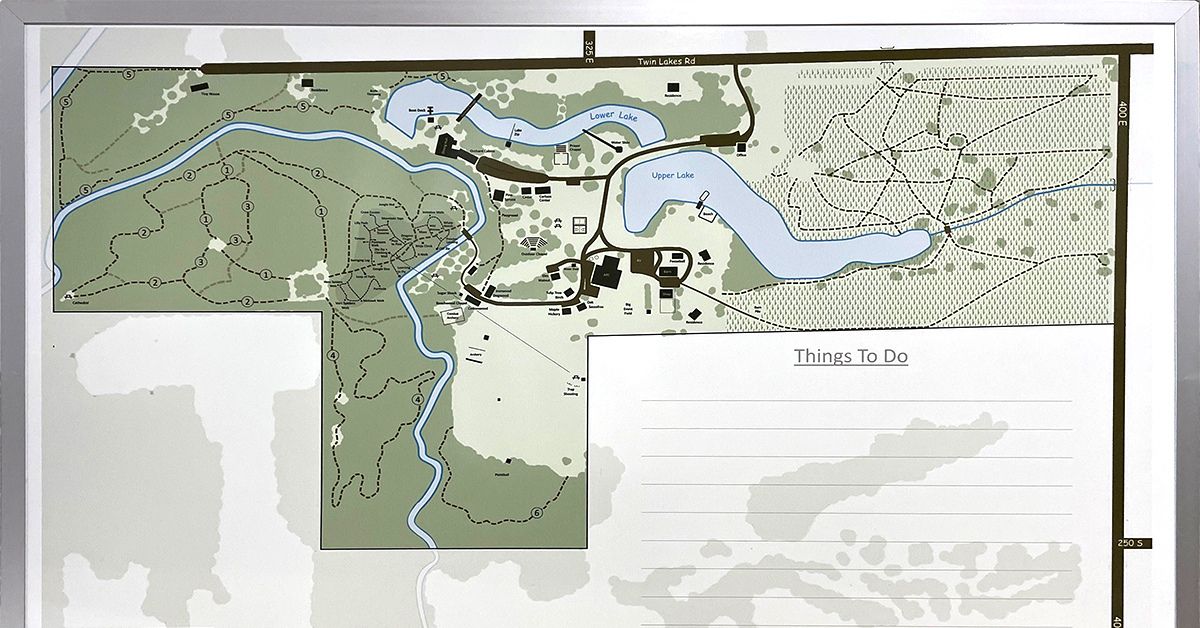
Many architecture firms run similar workflows across multiple projects. A custom-printed magnetic whiteboard provides a repeatable layout with built-in sections for submittals, approvals, revision cycles, site visits, and internal deadlines. Teams don’t need to redraw the same framework every Monday or use tape to create temporary labels. They can start each week with a board that already aligns with their workflow.
Improve Material and Finish Planning
Architectural planning includes more than drawings and schedules. Teams also need to compare finish options, review material selections, and organize product information during client presentations and internal reviews. A central whiteboard gives them a single, visible area to group finish sheets, printed product data, color references, and sourcing notes. This helps teams evaluate selections in context, rather than flipping through separate binders or scattered printouts.
For interior planning and finish review, a magnetic surface also makes swaps easier. Teams can remove one option and replace it with another without reworking the full display. This supports more fluid discussion during client meetings and design reviews. It also keeps the board clean when choices change late in the process.
Support Site Planning and Production Coordination
Architectural planning often extends beyond the design office. Teams may need to coordinate installation sequences, room schedules, phased renovations, or production timelines tied to a buildout. Using a magnetic whiteboard helps by giving planners a place to map site zones, move tasks between phases, and keep installation notes visible to multiple departments. This is especially useful when office staff, operations teams, and production teams all need the same project view.
Why This Works in Architectural Workflows
Architectural teams deal with visual information all day. They need a tool to keep drawings, notes, and project movement visible in one place. Digital tools still handle drafting and file storage, but a whiteboard improves live collaboration around the work. It gives teams a shared surface for organizing information during the moments when decisions get made.
Make Client Reviews Easier to Follow
Clients often respond better when they can see design progress presented clearly. A magnetic board helps teams group drawings, options, revision notes, and timeline updates into a format that supports a cleaner conversation. Instead of jumping between screens, printouts, and verbal summaries, the team can walk the client through the project in a structured visual sequence. This often leads to more productive review sessions and clearer feedback.
The same approach also helps internal teams prepare before the client enters the room. They can organize all materials in advance, flag open questions, and show what requires a decision.
Choose a Board Built for Daily Project Use
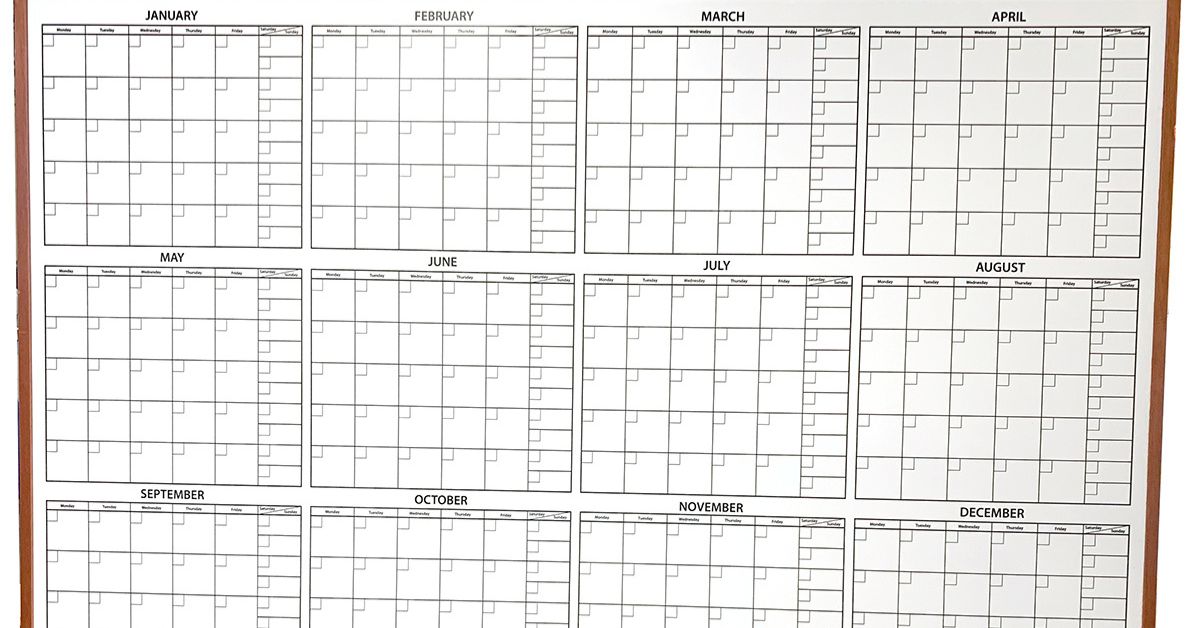
Architectural planning boards need to handle regular changes, frequent markups, and constant visual reference. Teams write on them, erase them, move magnets, and replace printed materials throughout the week. A high-quality magnetic board withstands that routine while keeping the workspace organized and professional.
Size and layout also play a major role. Some teams need a large wall-mounted board for project overviews, while others need a custom-printed board focused on revisions, submittals, or room-by-room planning. The best option depends on the workflow the team wants to support.
Bring More Control to Architectural Planning
Architectural teams need tools that help them sort visual information, track revisions, and run better coordination sessions. Using magnetic boards for architectural planning supports those goals by giving teams a flexible surface for drawings, schedules, finish references, and project movement. For firms that want clearer project visibility from concept through execution, using this approach gives the team more control over the work in front of them.
Magiboards USA offers magnetic whiteboard solutions that help architectural teams organize drawings, manage revisions, track project phases, and keep planning details visible throughout the workflow. With custom-printed options designed around the way your team works, a magnetic whiteboard can support clearer coordination from early concepts to final project execution. Explore our options today!