

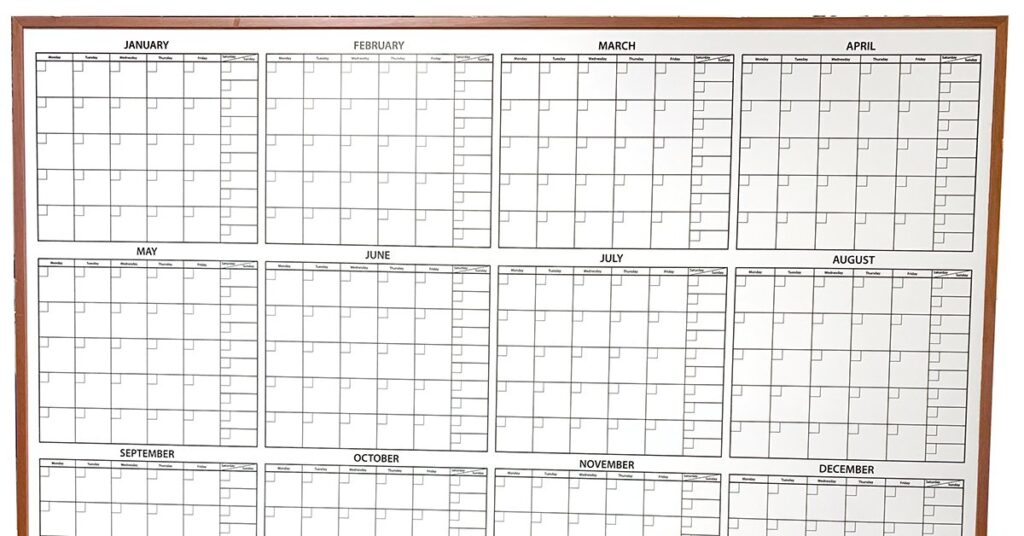
Social teams rarely struggle for ideas. More often, they lose visibility once campaign themes, deadlines, and platform-specific content start moving at the same time. A better approach to using whiteboards for social media content planning provides teams with a clear visual system for organizing content before it becomes missed posts. When the board reflects the actual planning process, it helps marketers keep both strategy and publishing aligned.
Why Whiteboards Still Work for Social Planning
Digital tools handle scheduling and publishing well, but they don’t always support live planning in a simple way. Teams often need to see campaign timing, content gaps, and approval bottlenecks simultaneously before they can make decisions. A whiteboard creates that wide-angle view in a format people can read at a glance. In planning meetings, it often helps teams spot problems earlier than a spreadsheet or content calendar buried in tabs.
Whiteboards also support better collaboration across roles. A content manager may focus on deadlines, a designer on asset needs, and a social strategist on channel balance. When all of that appears on one board, the conversation becomes more practical.
A Visual Format Helps Teams Think Ahead
Social media moves quickly, but planning should still feel deliberate. A visible board helps teams see what’s coming next week without digging through scattered documents. It also helps them check whether content themes are too repetitive or whether one platform carries too much of the load. In a busy marketing environment, that kind of visibility supports better choices before content goes live.
Build a Board Around Content Workflow
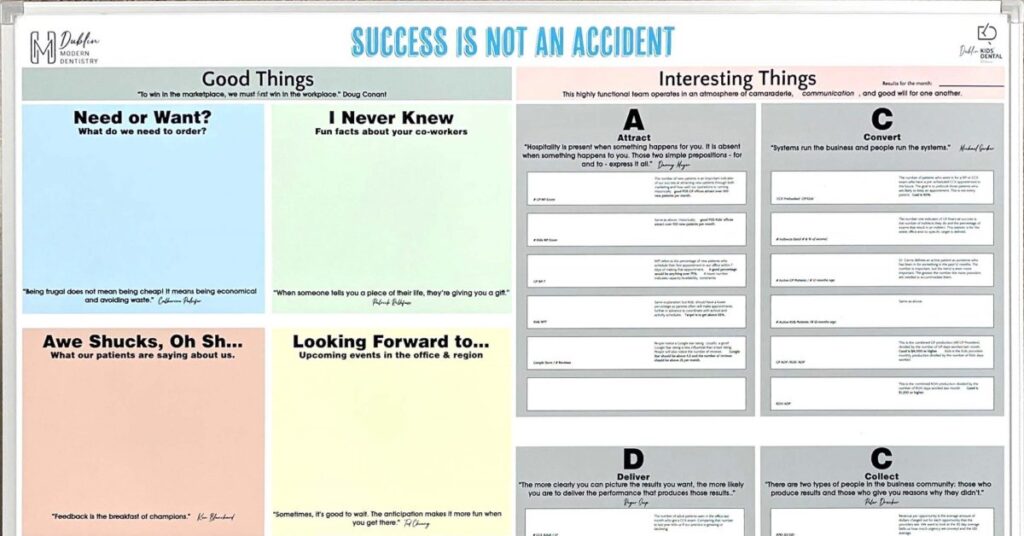
Many teams start with a calendar grid and stop there. Dates do matter in social planning, but a useful board should also reflect the steps content moves through before publishing. Teams usually need space for idea development, drafting, revisions, and scheduling. When the board only shows dates, it hides the work required to hit them.
A stronger setup uses sections that match the real workflow. One part of the board might track upcoming campaign themes, another might show content in progress, and another might show what is ready to schedule. This structure helps teams avoid the common problem of seeing deadlines without seeing the workload.
Workflow-Based Sections Keep Planning Honest
A board that reflects actual workflow reveals more than a simple monthly calendar. Teams can tell whether content ideas are piling up without captions, whether graphics are waiting too long for approval, or whether one person is carrying too much of the drafting work. Those details shape publishing success.
Use the Board to Balance Platform Types
Social media planning gets messy when every platform receives the same treatment. What works on LinkedIn may not fit Instagram, and what performs well on Facebook may need a different format on X or Pinterest. Whiteboards help teams map content by platform so they can see where they’re overposting, underposting, or repeating the same idea too often. This becomes especially useful when a single campaign requires different content treatments across multiple channels.
A strong social planning board often works best when it shows more than just publish dates. Here are a few ideas on what to track on the whiteboard:
- Platform assignment
- Content theme or campaign
- Draft status
- Design needs
- Approval stage
- Scheduled publish date
Make Campaign Planning Easier to See
Campaign planning often breaks down when teams can’t see how one push connects to the next. A whiteboard gives teams room to map promotional windows, seasonal campaigns, and supporting evergreen content in one place. This helps them avoid stacking too much activity into a short period or leaving large gaps between strategic pushes. With a broader visual timeline, teams can build a more intentional publishing rhythm.
Monthly and Weekly Views Can Work Together
Some teams benefit from dividing the board into a monthly overview and a weekly execution area. The monthly section keeps campaigns and priorities visible, while the weekly section helps the team focus on what needs drafting, approval, or scheduling right now. This layered setup works well for teams managing both long-range planning and daily production. It keeps strategy from drifting too far away from execution!
Improve Content Meetings With a Shared Visual Reference
Social planning meetings can lose direction when people bring separate notes and separate assumptions into the room. A whiteboard changes that by providing the group with a single live reference point for content status and next steps. During the meeting, teams can move ideas, reassign deadlines, and fill content gaps while everyone watches the same board. This keeps the discussion grounded in actual work instead of abstract updates.
A shared planning surface also reduces the need for repeated conversations. Instead of reopening the same question in multiple meetings, teams can point to the board and confirm what changed.
Better Meetings Start With Better Visibility
When the board clearly shows ownership, progress, and timing, teams spend less time untangling confusion. They can focus on deciding what to publish, what to revise, and what to prioritize next. The meeting becomes more productive because the visual structure already does part of the organizational work. That leaves more room for real planning.
Track Approvals and Revisions Without Losing Momentum
Approvals often create the biggest slowdown in social content planning. A post may be written, designed, and nearly ready, then sit untouched while waiting for feedback from a manager. Whiteboards help teams track those approval stages visibly so content doesn’t disappear into a vague “in progress” category. Once that delay becomes visible, teams can follow up sooner and keep the calendar moving.
Revision tracking also improves when the board includes a defined stage for edits. Instead of treating revisions as a side task, the team can see which posts need copy changes or final sign-off.
Visibility Helps Teams Protect Publishing Deadlines
A post that still needs review should not look the same as one that is ready to schedule. Clear status markers on the board help everyone understand which pieces carry risk. This helps teams adjust sooner, whether that means moving a post, changing the priority, or asking for quicker feedback. Social planning works better when uncertainty stays visible.
Turn Planning Visibility Into Better Social Execution
A more effective use of whiteboards for social media content planning comes down to visibility that supports action. Teams need a way to see content flow without piecing everything together from separate tools and side conversations. A well-structured board brings those moving parts together in one place, helping content teams make better decisions before posts go live. When the board reflects real workflow and real priorities, it becomes a practical planning tool rather than just a brainstorming surface.
Ready to keep your content planning more visible from one campaign to the next? Magiboards USA offers a whiteboard with a stand that helps your team map and track upcoming posts and keep campaign priorities in view during planning and daily check-ins. With a mobile setup that’s easy to place where your team works best, a whiteboard with a stand can support a more organized social media workflow.