

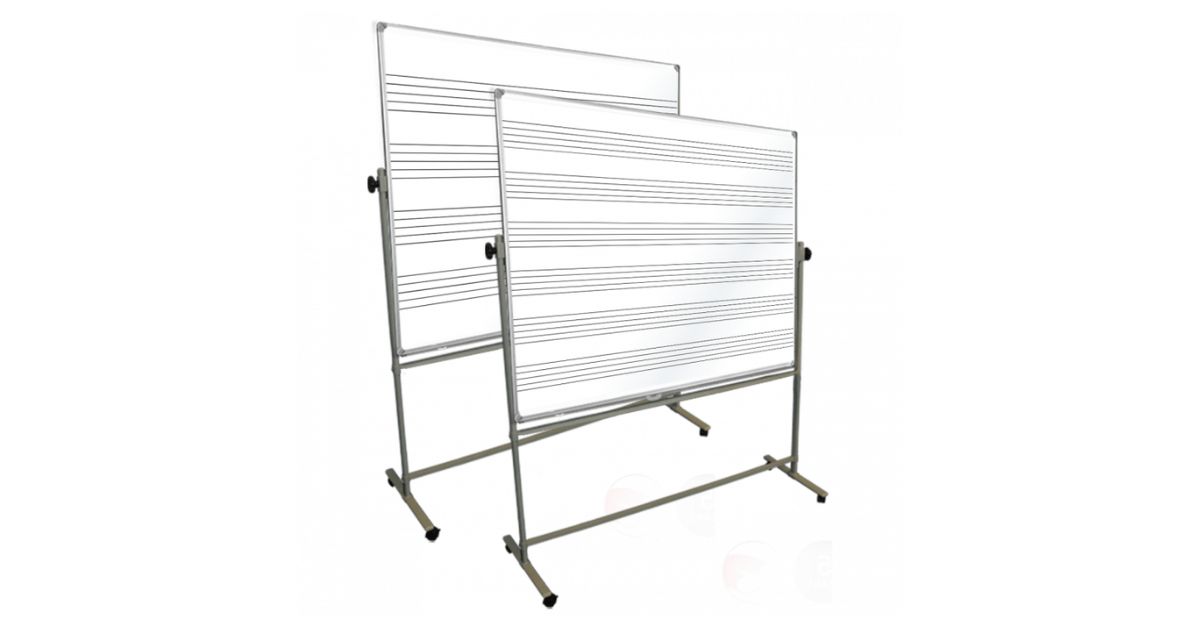
Whiteboards often become the heartbeat of a workspace. People gather around them to make decisions, update status, and keep the work moving. However, if the board is too high, too low, or awkwardly placed, your team can feel it fast in their shoulders, neck, and lower back. That’s why designing ergonomic whiteboards for standing use is less about “nice-to-have” comfort and more about making daily communication easier, faster, and safer.
The Ergonomics Basics
Before you choose a size, mount height, or layout, it helps to think about what “ergonomic” really means in this setting. You want a board that supports neutral posture, easy reach, and clear visibility, even when people are tired, in a hurry, or wearing PPE.
Start With Neutral Posture and Natural Reach
A good standing board lets you write without shrugging your shoulders or bending your wrist into uncomfortable angles. When your arm moves comfortably, your elbow stays slightly away from your body, and your wrist stays mostly straight. That position lowers muscle fatigue and keeps writing legible for longer periods.
Reach matters just as much as posture. If you constantly stretch to the far corner, you create repeated strain in your shoulder and upper back. Instead, you want the most frequently updated area to sit within your easiest reach zone.
Balance Visibility With Accessibility
Teams sometimes mount boards high, so more people can “see” them. The tradeoff is that writers start reaching upward, which tires the shoulders and slows updates. Ergonomics asks you to balance both needs: the board should be readable from a few steps away while still being easy to write on for the people who update it the most.
If the board serves quick huddles, plan for both reading and writing. People need to scan key information without leaning in, and writers need to update fields without standing on their toes or bending at the waist.
Choose the Right Mounting Height
Mounting height drives comfort more than most people expect. The best height is not a single number for every workplace. It depends on who uses the board, how long they write, and what types of updates they make.
Set the Primary Writing Zone Where Hands Land
When someone stands in front of the board, the most comfortable writing happens around chest-to-shoulder level, not above the shoulder. If you place your most-used rows and columns in that zone, you reduce fatigue and keep handwriting consistent. It also makes it easier for people to update the board quickly without a warm-up period.
Design for a Range of Heights
Not every team has the same height distribution, and not every person writes with the same stance. You can accommodate more people by giving the board a generous usable area and placing the most important sections in the middle band. If the board is tall, avoid pushing critical fields to the top simply because space is available.
Size and Surface Choices
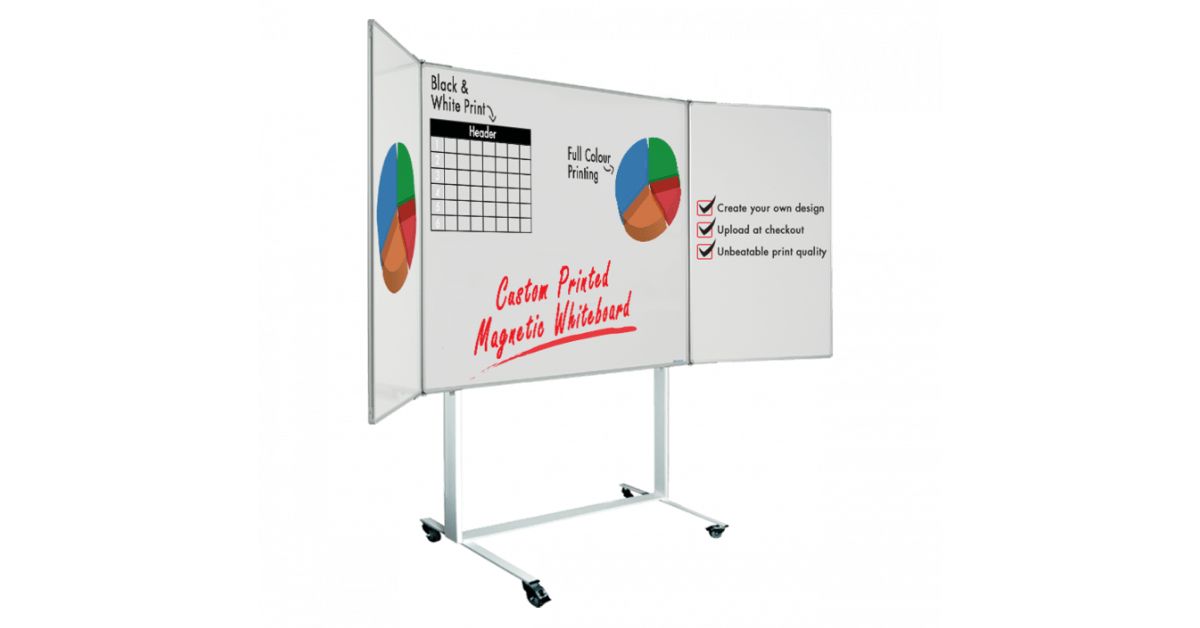
Board size is often determined by what fits on a wall, not by what the workflow needs. Ergonomic design flips that thinking!
Match Board Size to the Amount of Information
When boards feel cramped, people write smaller, abbreviate too much, and overwrite older notes. That makes the board harder to scan and increases rework. A board with enough space encourages clean writing and supports standard sections that stay readable.
If you run daily huddles and frequent updates, a larger board can reduce clutter and keep categories separate. If the board serves a small team with simple tracking, a smaller board may be easier to maintain and easier to place in the right location.
Choose a Surface That Writes and Cleans Easily
A smooth surface reduces the hand pressure needed to write. Over time, that matters for comfort, especially when people write often. It also improves legibility because the marker glides instead of skipping. Additionally, if the board looks messy, people assume the information is outdated. A surface that wipes clean quickly supports trust and encourages consistent updates.
Layout Design That Reduces Repeated Motion
Ergonomics includes the micro-movements people repeat all day. A well-designed layout limits unnecessary reaching, rewriting, and back-and-forth walking.
Put High-Frequency Fields in the Most Comfortable Areas
The center of the board is prime real estate. If you place high-frequency fields in the middle, writers spend less time reaching and more time updating. That also keeps the most important information in the best viewing zone for the group.
Consider your update rhythm! If people update their status every hour, build a clear area for those updates that does not require crossing the entire board. If people add notes during troubleshooting, give that space a defined boundary, so notes do not spill into other sections.
Design for Quick Scanning During Huddles
A board should tell a story at a glance. If the eye has to hunt for the key message, the huddle slows down. Layout can help by grouping related fields and maintaining consistent spacing.
Avoid cramming too many categories into one board unless the team truly needs them. If you need many categories, you can keep the board ergonomic by using clear section boundaries, consistent row heights, and predictable label placement. The goal is to support fast comprehension without forcing people to shift their posture while reading.
Marker, Tray, and Accessory Placement
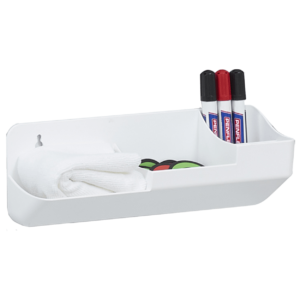
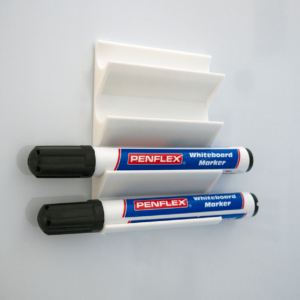
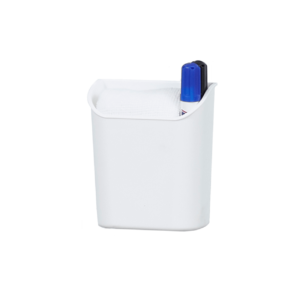
Marker tray height, eraser storage, and accessory placement affect how often people bend, reach, or step away. Over time, those movements add up.
Keep Tools Where the Hand Naturally Returns
After you write, your hand naturally drops toward your side. A tray placed too low forces bending, while one placed too high forces awkward wrist angles. A well-placed tray lets people grab a marker without breaking posture.
Also consider where people stand when writing. If the tray sits too far to one side, writers may have to take extra steps across the board. A centered tray or a tray aligned with the primary writing position can reduce those micro-delays.
Support Clean, Fast Updates With the Right Accessories
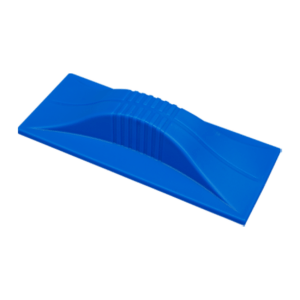
Erasers that work well and are easy to grab reduce smudging and encourage quick corrections. If cleaning is inconvenient, people leave outdated notes, and the board becomes harder to trust.
If your environment uses gloves, choose accessories that still work with limited dexterity. Ergonomics should reflect the reality of the workplace, not an idealized version.
Make the Board Feel Effortless Every Time
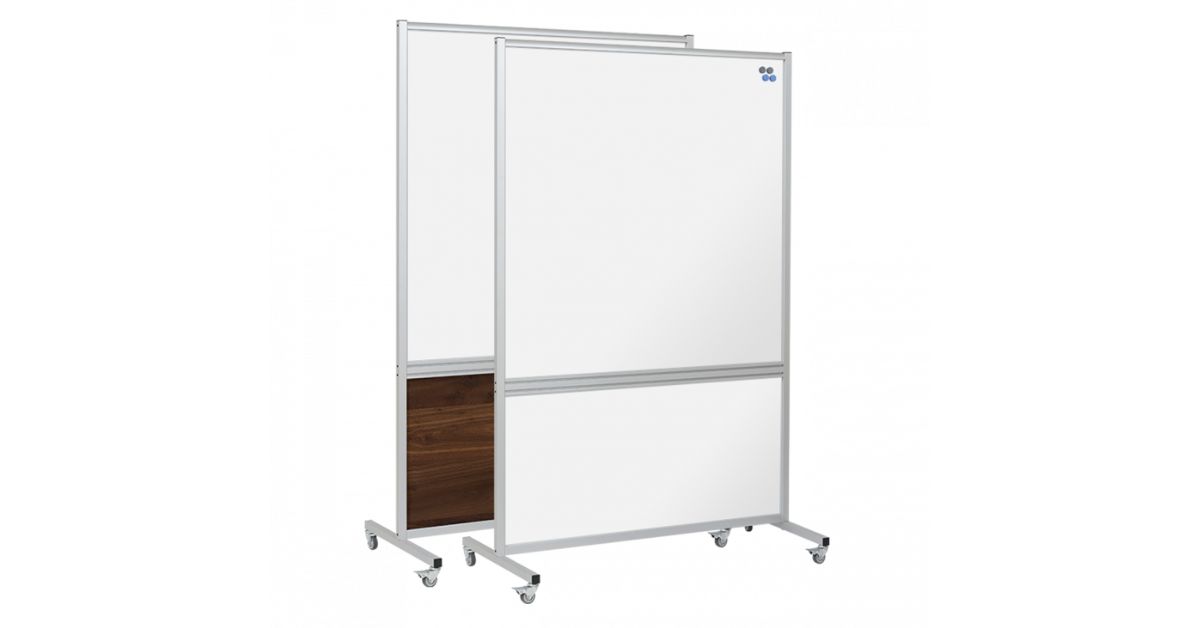
Ergonomics pays off when it becomes invisible. People stop thinking about the board and start using it naturally. They update it faster, read it more easily, and trust it as a shared reference point. Designing ergonomic whiteboards for standing use by focusing on posture, reach, placement, and layout, you create a board that supports the work rather than adding friction.
Magiboards USA offers an ergonomic, customizable dry-erase board on a stand that helps teams stay comfortable and consistent while working on their feet. If you’re ready to make visual management easier day after day, choose a board designed around your workflow. Explore our products today!