

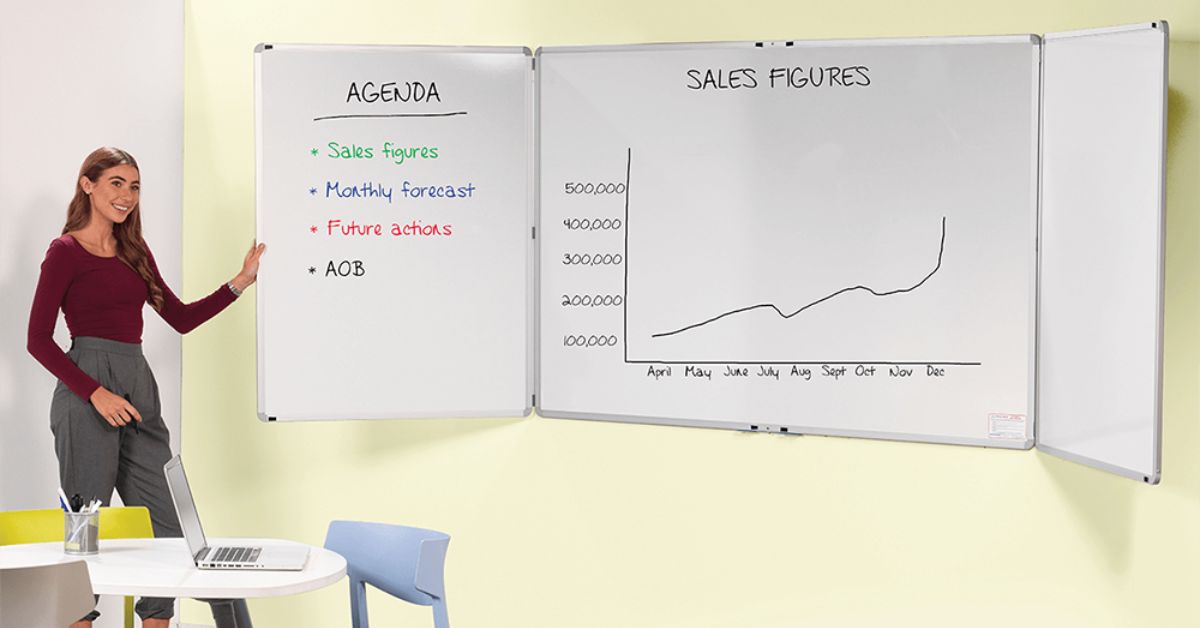
Open offices are designed to keep people connected, but they can also make work feel scattered. Conversations happen fast, priorities change mid-day, and miscommunication becomes a recurring event.
Before you add an information hub to your space, consider both your team’s workflow and the office environment. Magnetic whiteboards can address communication challenges when planned intentionally, offering teams a shared place to post information without disrupting focus. The goal is to add visibility and structure while still respecting the open office’s need for calm, productive flow. Let’s explore how to incorporate magnetic boards into open office plans for maximum benefit.
Plan Placement Around Traffic
A magnetic whiteboard becomes valuable when it sits where people naturally pause. Implementing smarter placement choices so boards support daily work rather than create distractions.
Identify “Natural Pause Points”
In an open plan, the best board locations are often along paths people already take. Think neighborhood entrances, the edge of a shared corridor, or near a spot where teams naturally gather before heading into a meeting pod. These areas support quick scanning without requiring anyone to detour. As a result, the board stays current because checking it becomes part of normal movement rather than a separate task.
Keep Boards Out of Direct Focus
Open offices need visual quiet for deep work. If a board sits directly behind desks or within constant sightlines, it can become a source of unintentional noise, especially when magnets, cards, and hands move around it throughout the day. Instead, place boards on boundary walls or transition areas, so collaboration stays available without competing with concentration.
Reduce Glare and Improve Readability
Even a well-designed board fails if people cannot read it easily. Glare from overhead lighting or nearby windows can wash out text and make a board feel messy. So, it’s worth choosing a wall that avoids direct reflections and keeps key information visible from several feet away.
Use Boards to Create Soft Boundaries
Open plans often blur the edges between teams, which can make collaboration feel constant. Magnetic boards can help create “soft boundaries” that guide behavior without putting up walls.
Use a Clear Visual Anchor
A board placed at the edge of a team neighborhood can signal where to go for updates and where to bring quick questions. For example, a visible team board can show current priorities, key owners, and what needs attention this week. However, it should still be designed for scanning, not storytelling. When the board stays simple, it becomes a consistent reference that reduces confusion for visitors and teammates alike.
Encourage Collaboration Away from Desks
If collaboration happens at desks, interruptions multiply. A magnetic board provides a reason to step away from workstations and into a shared space where quick alignment feels more intentional. Meanwhile, the team still benefits from the open office’s accessibility, because the board makes it easy to gather for a short conversation and then disperse.
Design Board Content for Quick Scanning
The board should help people take action, not create more work. Below, we will focus on what to put on the board and how to present it so updates stay fast and the information stays trustworthy.
Prioritize the Few Fields That Drive Decisions
If a board tries to capture everything, it usually captures nothing well. The most effective boards answer a few key questions: what’s happening, who owns it, and what’s next. A clear layout that highlights these fields supports faster stand-ups and fewer back-and-forth messages. Your teams need enough detail to act without guessing, so leave room for a brief context.
Use Magnetic Elements
The strength of magnets is that information can move as work changes. Project cards can shift from “active” to “waiting,” and reference items can rotate based on current priorities. This makes the board easier to maintain than a fully hand-written system. Magnetic elements also help keep the board visually clean, since teams can adjust structure without rewriting headings or drawing new lines.
Create a Light Reset Rhythm
A board stays useful only if it stays current. A simple reset rhythm prevents old notes from lingering and eroding trust. For example, a team might do a weekly refresh during planning or a quick daily wipe after a stand-up. No need to be perfect, but try to strive for consistency. When the board looks cared for, it signals that the information is worth paying attention to.
Match the Board Type to the Office Need
We’ll break down common open-office use cases and the board formats that support them. Once you match the board to the need, collaboration becomes easier because people understand what the board is for the moment they see it.
Use Team Project Boards for Alignment
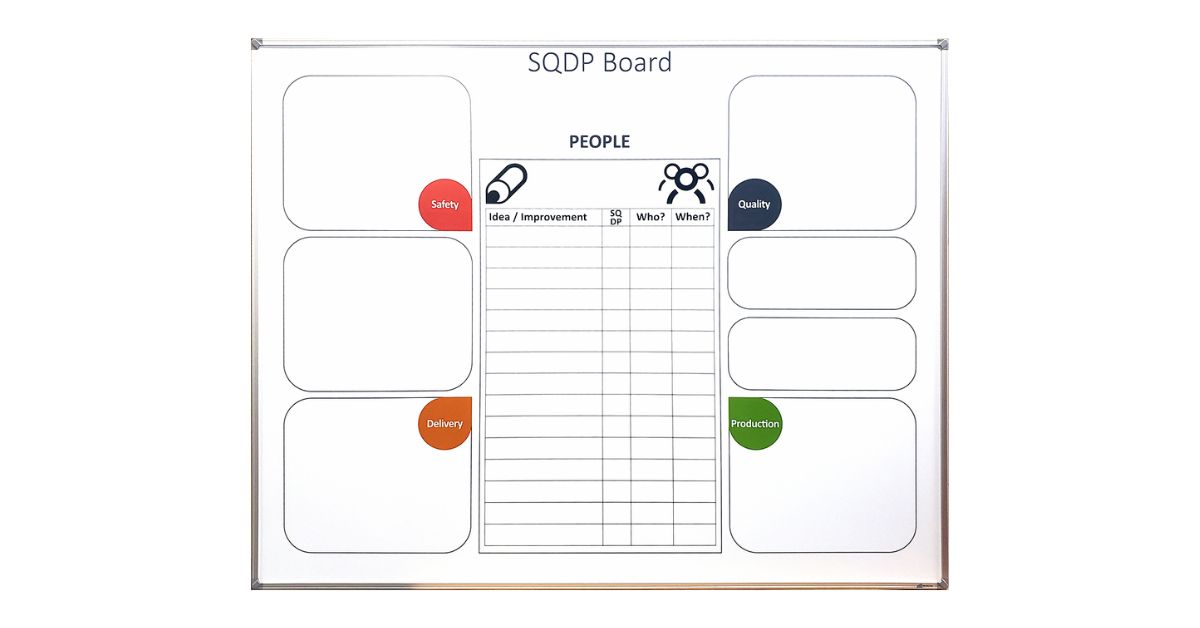
Project boards work well near the team that owns the work, especially if the board faces a shared collaboration zone. The board should highlight the work that is active right now, not every task that exists in a project system. Otherwise, it becomes too detailed to maintain. A clean, focused board supports quicker check-ins and keeps the team aligned without forcing long discussions.
Add Resource Boards for Shared Knowledge
Open offices depend on informal knowledge sharing, which can lead to inconsistencies. A resource board can make key information visible, such as contact lists, process reminders, or recurring deadlines. Using magnets also allows for quick updates when information changes, so the board stays relevant. A well-designed resource board reduces repeated questions and helps new hires find answers without interrupting others.
Use Scheduling Boards Near Shared Spaces
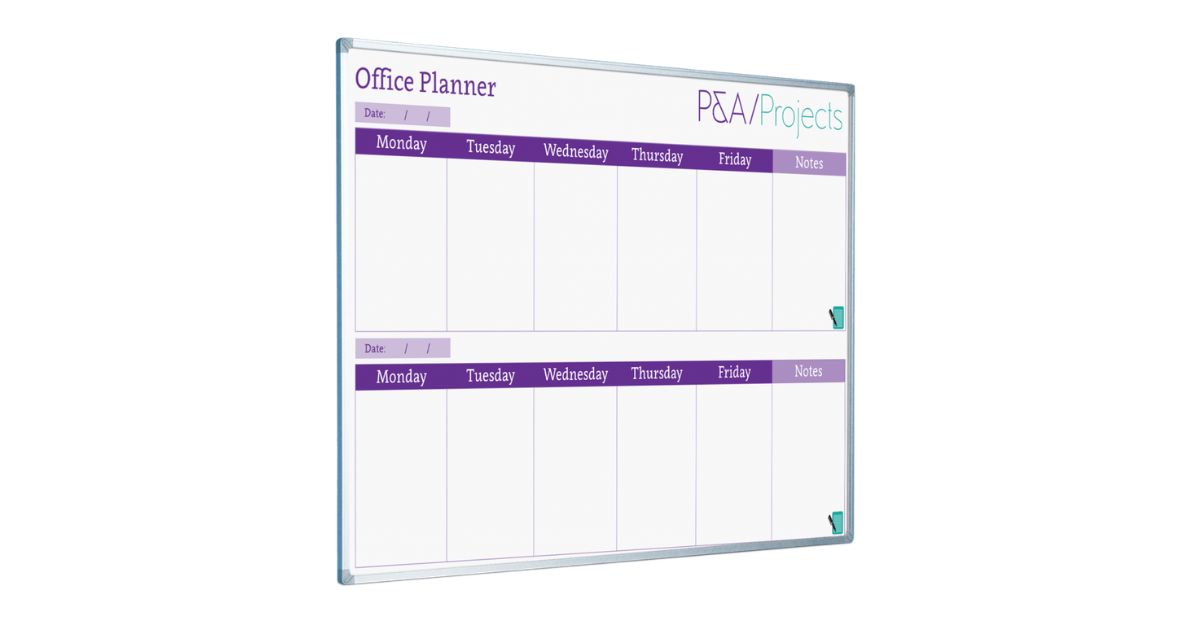
Shared meeting pods, equipment, and collaboration areas can cause friction if the scheduling itself is unclear. A scheduling board near the space can make expectations visible and reduce confusion. The addition of magnets also supports quick changes, so teams can adjust on the fly without turning every small shift into a digital coordination thread. Over time, this helps shared spaces run more smoothly.
Turn Open Space into Shared Clarity
Magnetic boards can add structure to open offices without adding heaviness. When placement respects focus zones, content is designed for quick scanning, and board types match real needs, boards become a natural part of how teams communicate. They also reduce interruptions by giving people a shared reference point for status and priorities.
When you understand how to incorporate magnetic boards into open office plans, the space feels more aligned, more efficient, and easier to navigate, without losing the flexibility that open layouts are meant to provide.
Magiboards USA offers a fully customizable wall-mounted whiteboard that fits your space and your schedule, so your team can keep priorities visible without creating extra distractions in an open office. With the right size, layout, and placement, it becomes a clean, reliable hub for quick updates, shared reference info, and smoother stand-ups. Explore our different options today!