

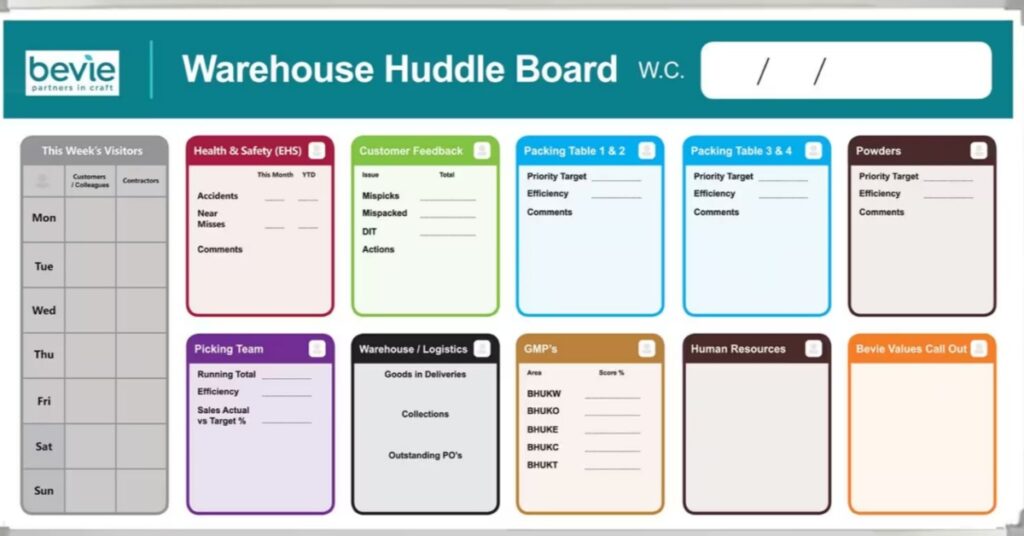
A changeable glassboard gives you more flexibility than a fixed printed board because the graphic behind the glass does not have to stay the same forever. As your workflow changes, your board can evolve alongside it. By learning how to update your changeable glassboard graphics over time, you can keep the layout useful without replacing the entire writing surface.
Rather than viewing the board as a permanent design, think of the insert as an adjustable layer. This perspective offers a practical way to keep the visual structure current while still maintaining the same glass writing surface.
Separate Permanent Graphics From Temporary Information
A changeable glassboard works best when you clearly separate fixed information from regularly changing content. The insert should hold the parts of the design you want to keep in place long-term, serving as the foundation of your board’s structure.
For example, section headings or a recurring workflow structure are ideal candidates for the insert. You can also use the insert for visual boundaries that help organize the writing surface. On the other hand, the glass itself should hold information that changes more frequently. Use dry-erase writing on the surface, since you can update it quickly without disturbing the graphic behind it.
Review the Existing Insert Before You Redesign It
Before you create the replacement graphic, take time to study the current insert as a reference. Carefully check its overall dimensions and how it sits behind the glass.
Keep in mind that the visible area may differ from the board’s outer dimensions. If you build the new artwork around incorrect measurements, part of the graphic could end up too close to the frame or even outside the visible area.
Keep Orientation in Mind
A portrait board and a landscape board create very different design possibilities, and the same content will not always fit comfortably in both orientations. By designing the new insert to match your existing board, you keep the replacement process simple and avoid forcing the graphic into an awkward format.
Decide Whether You Need a Revision or a Full Redesign
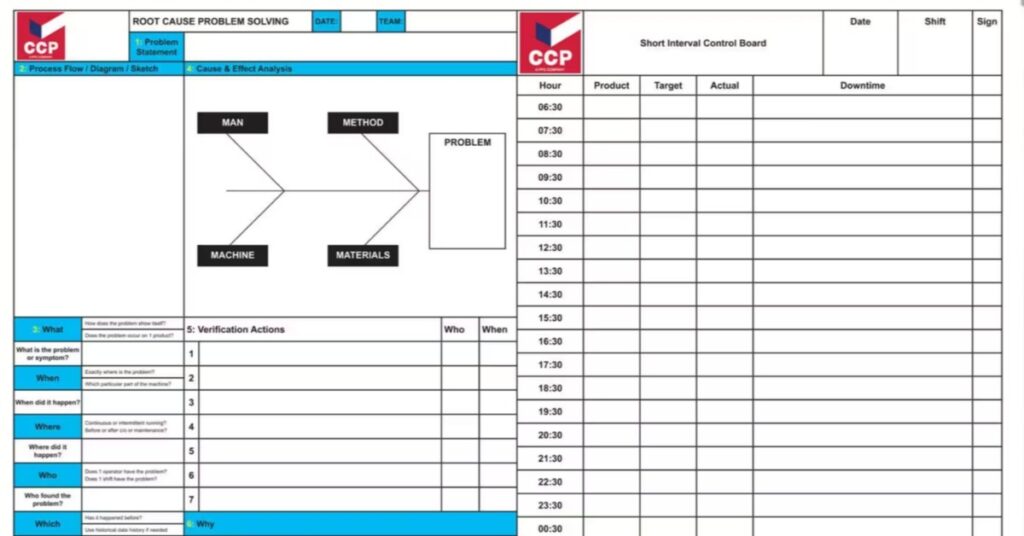
Not every update needs to start from scratch. Often, the best approach is to revise the existing layout. If the board still works well overall, you can preserve the structure and make targeted changes instead. For example, you might adjust section sizes or update the visual organization without rebuilding everything.
However, a full redesign makes more sense when the board now serves a different purpose. For instance, a board that once tracked one type of workflow may now need to support a completely different process. When that happens, use the opportunity to rethink the layout based on how it’s used today. You are not limited by the old design just because the glass surface remains the same.
Build the New Graphic Around Real Use
Once you know what needs to change, design the replacement insert with real usage in mind. Give the most important writing areas enough space so users can interact with the board comfortably and efficiently.
A useful replacement layout can include:
- Clear section headings
- Defined writing areas
- Updated workflow labels
- Simple visual guides
- Current reference information
- Branded elements, when appropriate
Keep each element purposeful. If something does not help people understand or use the board, it probably does not need a permanent place in the design.
Plan for Future Changes While You Design
A replacement insert should solve the current problem, but it can also make future updates easier. As you design, consider which parts of the layout might change again down the line.
Keep editable source files organized so you can update individual sections without rebuilding the entire layout. Whenever possible, separate text and graphics into manageable elements instead of flattening everything into one image.
Also, avoid building the design around overly specific details unless they truly need to stay permanent. A more flexible structure means the insert can stay useful longer.
Preserve What Still Works
Updating the graphic does not mean removing every familiar element. In fact, keeping some of the original structure can help users adjust more easily. If people already understand the general layout, keep what still makes sense, then focus the redesign on the areas that truly need improvement.
Use Two-Sided Inserts for Predictable Changes
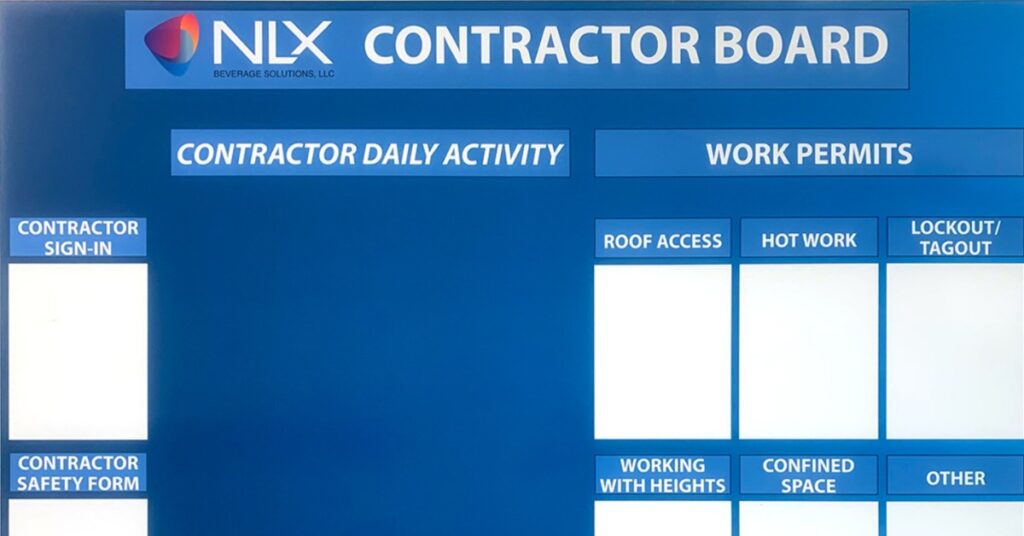
A two-sided insert offers more flexibility when you know the board needs to switch between two established layouts. Rather than storing a completely separate insert, you can keep both versions together for quick changes.
This works well when a room serves two recurring functions, or when the same workflow needs to appear in two different formats at different times.
For example, one side can display a standard planning layout, while the other shows a seasonal version. When your needs change, simply flip the insert instead of replacing the entire board.
Update the Insert Without Changing the Glass Surface
One of the main advantages of a changeable glassboard is updating the visual layer without replacing the writing surface. When the new graphic is ready, carefully remove the existing insert, keeping the glass and frame in place if the system lets you access the insert from behind or through the frame.
Before installing the replacement, clean the surrounding area so dust or debris does not get trapped behind the glass. Next, position the new insert carefully and check its alignment. After installation, step back and view the board from a normal viewing distance to ensure the main headings remain easy to read and the writing areas feel balanced.
Let the Board Evolve With the Way You Work
Once you understand how to update your changeable glassboard graphics over time, you’ll no longer see the design as something permanent. The glassboard can remain in place, while the visual structure adapts to new needs.
As you redesign, keep future changes in mind. A flexible layout can stay useful longer and make the next update easier. The goal isn’t just to refresh the board’s appearance, but to make it easier to use and better suited to how the space functions today.
Ready To Refresh Your Glassboard?
Ready to give your workspace a glassboard that adapts as your needs change? Magiboards USA Inc. offers glass dry erase boards with changeable inserts, making it easy to refresh the graphics without replacing the entire board. Update the insert whenever your layout changes or your space takes on a new purpose, all while keeping the same glass writing surface in place. Choose a glassboard that delivers greater flexibility today and makes future updates easier.