

A productive week rarely follows the exact plan you set on Monday. Priorities shift, and unfinished work needs a new place on the schedule. Using magnetic whiteboards to plan your week gives you a system that adapts to your workload instead of forcing you to rewrite it every time something moves. Your weekly plan stays flexible while remaining visible.
That visibility gives you a different perspective from a task list hidden inside an app. You can review your weekly productivity and spot where you’ve scheduled too much work. As the week develops, the board gives you room to adjust without losing sight of your original priorities. It becomes an active planning surface rather than a calendar you set once and forget.
Divide Your Week Into Clear Working Zones
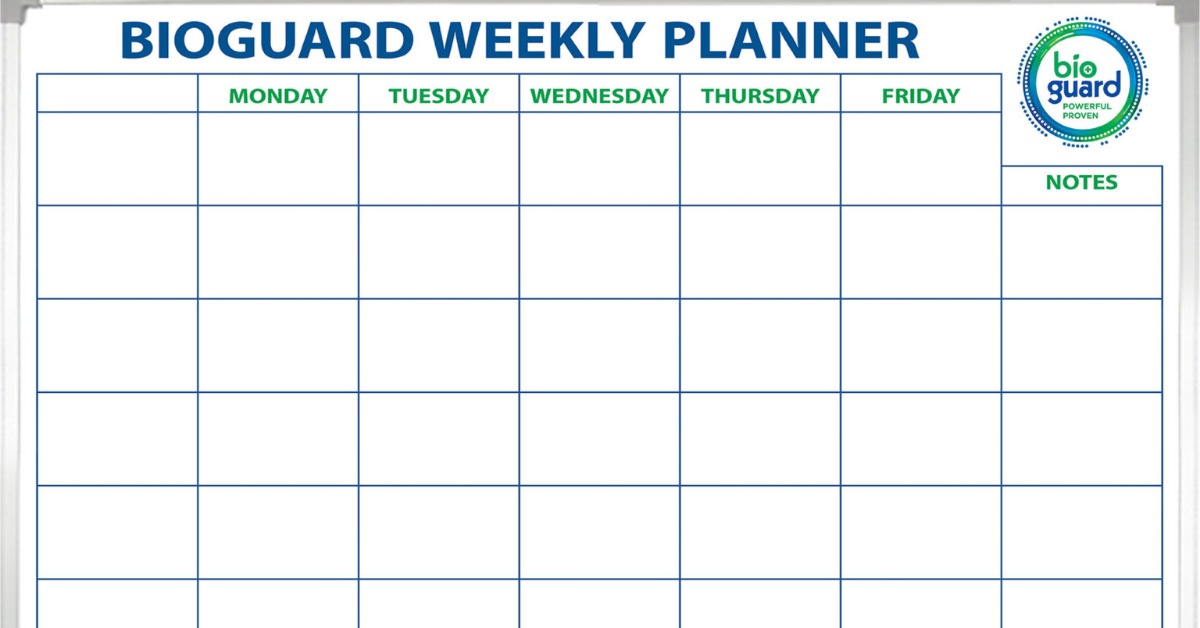
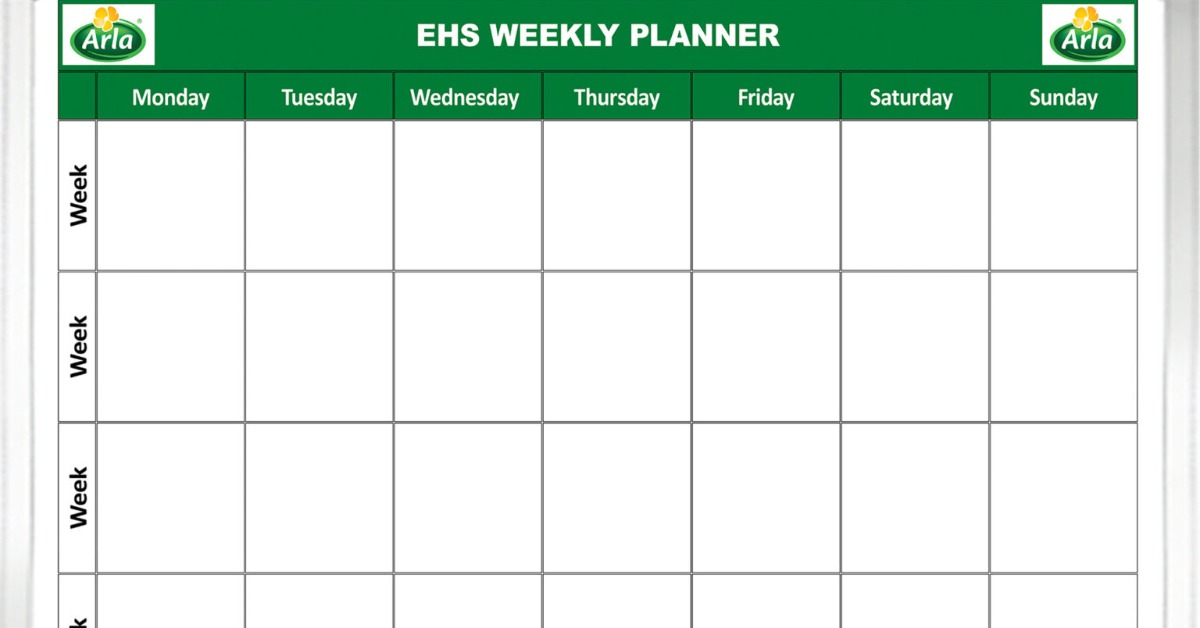
Start with a layout that reflects the way you actually plan your week. A Monday-through-Friday structure gives each workday a defined area while allowing you to compare the workload across several days at once. Rather than treating the week as one long list, you can see where each responsibility fits.
However, you do not have to make every column identical. If Wednesday usually includes several meetings, you may want less space for tasks there than on Tuesday. Building the layout around your normal rhythm gives you a more realistic picture of what you can accomplish.
A custom printed magnetic whiteboard can make those daily sections permanent. You only change the information inside them, so you do not spend Monday morning redrawing the calendar.
Save Space for Weeklong Work
Some projects do not belong to one particular day. Give those responsibilities their own section rather than squeezing them into an arbitrary daily column. Use this space for work that needs attention throughout the week. This keeps larger priorities visible while keeping your daily areas focused on specific commitments.
Move Tasks When the Schedule Changes
The magnetic surface becomes especially useful once your plan starts changing. Write recurring or movable tasks on magnetic strips so you can reposition them instead of erasing and rewriting them.
Suppose you plan to finish a report Tuesday, but an urgent client request takes over the afternoon. Move the report to an available space later in the week. You immediately preserve the task while showing yourself that Tuesday’s workload changed.
Physical movement also makes rescheduling more deliberate. Rather than quietly changing a date in a digital planner, you see the task move across the week.
Pay Attention to Repeated Movement
One rescheduled task does not signal a problem. Moving the same assignment three or four times tells you something different. Perhaps you underestimated the time involved. Maybe another priority consistently takes precedence. Either way, the board gives you a reason to reconsider the task instead of carrying it forward indefinitely.
Decide on Your Weekly Priorities First
Before filling every daily section, identify what you actually want the week to accomplish. This gives the rest of your schedule a clear direction.
Reserve a prominent part of the board for your most important weekly priorities. When a new request arrives, compare it against those commitments before changing your schedule. You can then decide whether the new work genuinely deserves space this week.
This approach prevents smaller tasks from consuming your best working time simply because they arrived first.
Keep the Priority Area Selective
If everything becomes a priority, the section stops helping you make decisions. Choose a manageable number of outcomes that deserve extra attention. Then, as you plan individual days, make sure your schedule gives those priorities enough room to move forward.
Plan Around the Capacity You Actually Have
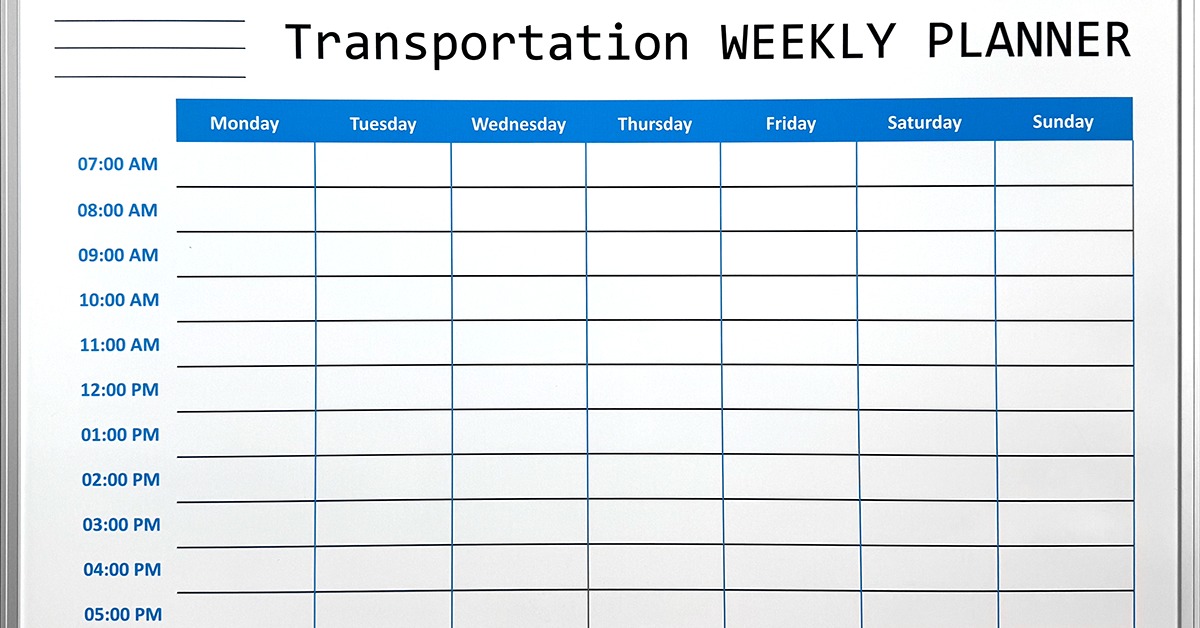
A magnetic whiteboard can quickly reveal when you have scheduled more work than your week can hold. Look at existing commitments before adding tasks to each day.
For instance, a Thursday filled with meetings should not carry the same independent workload as an open Tuesday. Give demanding assignments enough uninterrupted space instead of placing them wherever you see an empty box.
As you add magnetic task markers, step away from the board and look at the distribution. One crowded column beside several lighter days tells you that the schedule needs adjustment. Move flexible work before the week begins rather than discovering the problem after a deadline slips.
Give Incoming Work a Temporary Home
New requests can disrupt a carefully planned week when you add each one to the schedule immediately. Create an incoming area on the magnetic whiteboard, so you have somewhere to capture new work without automatically committing to it.
When something arrives, place it there first. Later, you can decide whether it deserves a spot this week or belongs in a future planning cycle.
A practical weekly layout can include:
- Weekly priorities
- Daily work
- Incoming requests
- Waiting items
- Completed tasks
- Carryover work
You do not need every section if your workflow does not use it. Choose the areas that help you make real scheduling decisions.
Make Ownership Clear on a Team Board
If several people share the magnetic whiteboard, each task needs a clear owner. Otherwise, a visible assignment can still sit untouched because everyone assumes someone else will handle it.
Give each team member a reusable magnetic name marker. Place the marker next to the task that person owns. If responsibility changes during the week, move the name rather than crossing it out and rewriting the board.
This becomes particularly helpful when a project passes from one person to another. The board shows who controls the next action without forcing you to document the entire project history.
Reset the Board Before Monday Arrives
The end of the week gives you valuable information about the way you planned. Don’t simply move every unfinished magnet into next week’s columns.
Review each remaining task first. Ask why it wasn’t completed and whether it still deserves space in the new week. Some work needs another date, while other assignments may no longer carry the same priority.
Pay particular attention to repeated carryover. If the same work survives several Friday resets, you probably need to change the task or how you schedule it.
Make Your Weekly Plan Work With You
Once you understand how to use magnetic whiteboards to plan your week, you can stop treating your schedule as something you have to follow exactly as written. Instead, you can use the board as a working plan that responds to what actually happens.
Start with your priorities and build each day around the capacity you truly have. Then let magnetic task markers move when circumstances require a change. If new work arrives, give yourself time to decide where it belongs rather than automatically crowding it into the week.
By Friday, the board gives you a useful picture of how your plan performed.
Ready to make your weekly plan easier to manage? Magiboards USA offers a custom dry-erase board that keeps your planning structure in place, so you can update your schedule without rebuilding the format every week. Create a layout that fits your routine and helps you stay focused as the week changes. Explore Magiboards USA today!