

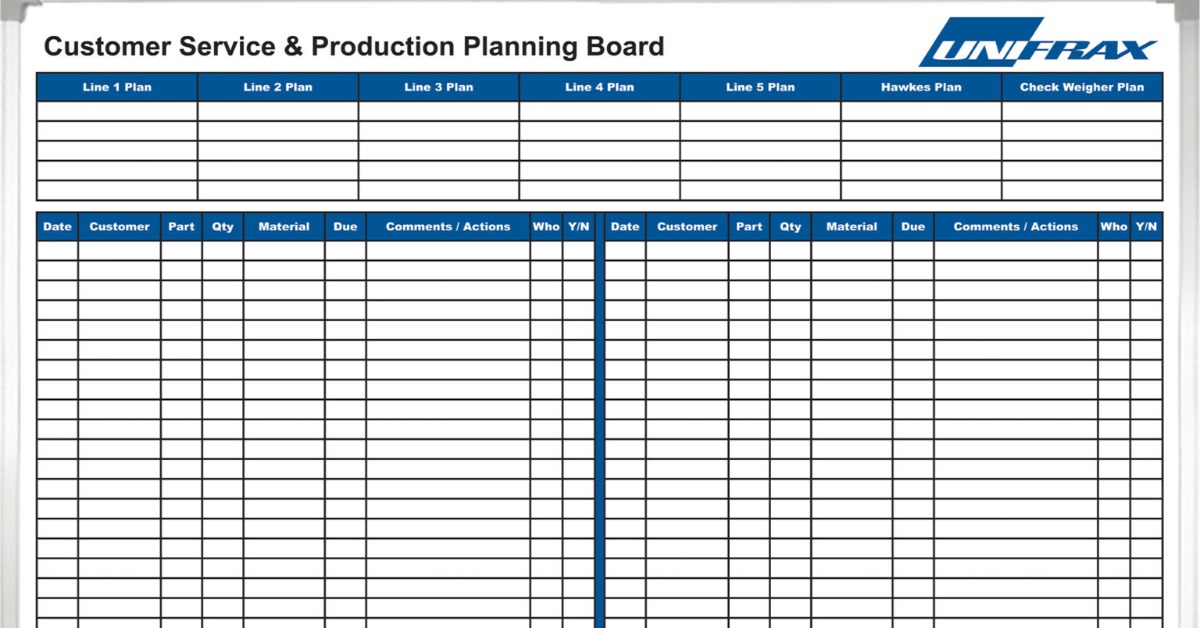
Even with a detailed project plan, keeping everyone informed can be difficult. Your team may know what needs to happen, but that doesn’t always mean they can see how the work is progressing. As deadlines approach, important updates can get buried in project management software or scattered across different conversations. Without a clear picture of the work, it’s easy to overlook a delay until it starts affecting other assignments.
You can better understand how whiteboards improve project management visibility by looking at the way information moves through your team. Instead of opening several reports to check progress, you can bring the most relevant updates into one shared space. This gives everyone a clearer view of the project’s current status and makes it easier to spot when something needs attention.
Decide What Your Team Needs To See
Before you start organizing a whiteboard, think about the information your team needs to manage the project effectively. You don’t have to display every assignment or reproduce the entire project schedule. Instead, focus on the details that help people understand where the work stands.
Consider the questions that regularly come up during your project meetings. Do employees struggle to identify who owns an assignment? Does your team spend too much time confirming whether a deliverable is ready for review?
Those conversations can help you determine what belongs on the board. If your team frequently asks about ownership, give that information a prominent place. When deadlines create confusion, make milestone dates easier to find.
Keep the Information Actionable
Try looking at the board from the perspective of someone joining a project meeting. Can they quickly tell what needs attention? An entry such as “website development underway” doesn’t explain much about actual progress. However, showing that the development team has finished a specific feature gives everyone something concrete to evaluate.
Break the Project Into Visible Assignments
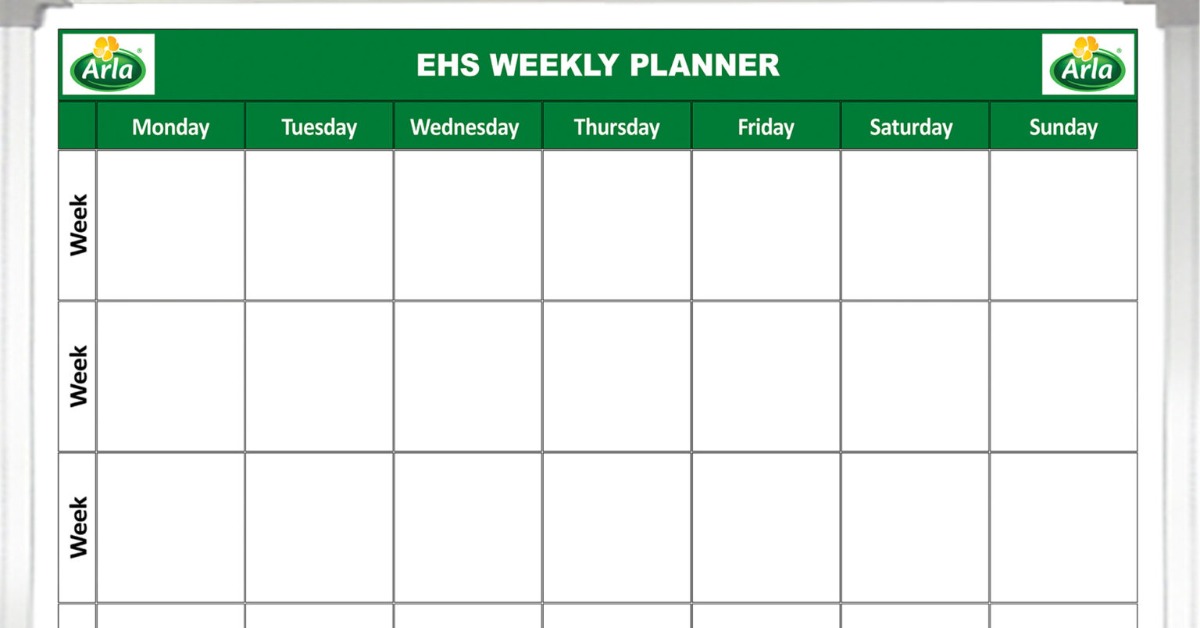
Once you know what information belongs on the board, you can start organizing the actual work. A large project often includes several phases, but those broad categories don’t always show what employees need to accomplish next.
Begin by breaking each phase into deliverables with clear completion points. If you’re managing a website launch, for example, you can create separate assignments to test individual features rather than listing one general development task.
Next, place those assignments on the board according to their current status. A simple layout can show which tasks are ready to begin and which ones employees are actively working on.
As the project progresses, move each task to reflect its new status. This helps your team see real progress instead of relying on a general update.
Make Task Ownership Easy To Recognize
Even when your project schedule clearly defines the work, confusion can arise when nobody knows who should handle the next action. A shared whiteboard helps you keep that responsibility visible.
Keep each assignment focused on the information employees need to understand its current position. A useful task entry should include:
- Deliverable: What the team needs to complete
- Owner: Who handles the next action
- Deadline: When the work should finish
- Status: Where the assignment currently stands
- Next step: What needs to happen before the task advances
- Blocker: What currently prevents progress, if applicable
As responsibilities change, adjust the information immediately. You want the board to reflect the person currently responsible for moving the work forward, not someone who completed an earlier step.
Show How Project Tasks Depend on Each Other
Projects rarely move forward through completely independent assignments. One task often needs to finish before another can begin, which means a delay can affect more than the person working on it.
Your whiteboard can help make these relationships easier to understand. Rather than displaying every task separately, use simple visual connections to show where one assignment depends on another.
Imagine your team is preparing to launch a new customer portal. The developers finish building a feature, but the launch team cannot proceed until testing confirms that it works correctly. By connecting those assignments, you can show why the next stage remains on hold.
Highlight Dependencies That Affect the Schedule
Not every relationship needs a line connecting it to another task. Too many connections can make the board difficult to read. Focus on dependencies that influence upcoming deadlines. If one unfinished assignment prevents several others from starting, make that connection especially clear.
Compare Project Milestones With Actual Progress
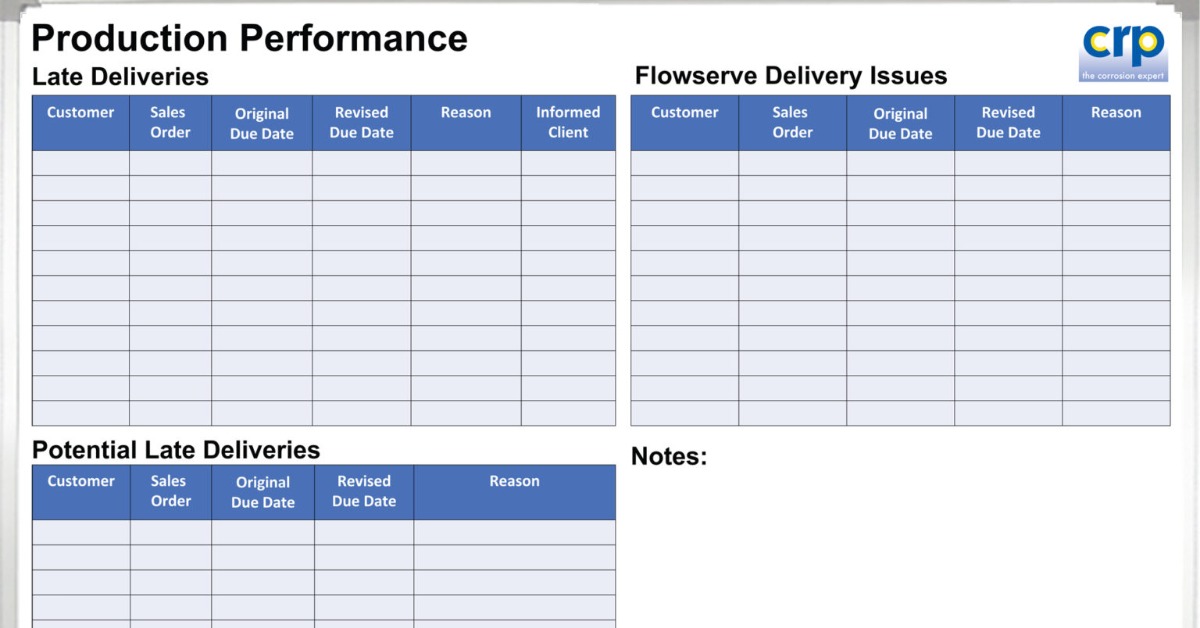
A team can complete plenty of individual tasks without moving close enough to its next major deadline. For that reason, your whiteboard should help you look beyond everyday activity. Give important milestones a dedicated space. This allows employees to compare the original project schedule with the work they’ve actually completed.
Consider a project that requires user testing to finish by Friday. If Thursday arrives and several testing assignments remain active, the board makes the scheduling concern easy to recognize. You can then discuss whether the remaining work fits within the available time.
Give Blocked Work a Visible Place
Sometimes an assignment stops moving for reasons beyond the employee’s control. A vendor may need to provide information before your team can continue. In other situations, an employee needs approval from another department. If you leave these assignments among active tasks, the board won’t clearly show why they haven’t progressed. Instead, create a separate area for blocked work.
For example, suppose your team is preparing an equipment installation. The project cannot move into its next stage until a supplier confirms a technical requirement. Move that assignment into the blocked section and identify who will follow up with the supplier. Now, anyone reviewing the board can understand why the task remains unfinished.
Keep Blockers Connected to Next Steps
Simply moving an assignment into the blocked section isn’t enough. Someone still needs to take responsibility for resolving the issue.
Add a follow-up date so your team knows when to check its status. Once the issue clears, return the assignment to the appropriate stage.
This keeps the blocked area from becoming a collection of problems that nobody revisits.
Keep Project Visibility Part of Your Daily Routine
A well-organized whiteboard gives you a clearer understanding of what happens between project milestones. Instead of relying on occasional status reports, you can follow assignments as they progress and recognize when something needs attention.
As your team becomes more familiar with the process, you’ll begin to see how whiteboards improve project management visibility beyond scheduled meetings. You can recognize stalled assignments earlier and address scheduling concerns before they affect upcoming milestones.
Looking to add this tool into your workflow? Magiboards USA offers fully customizable production boards that keep important project information in one accessible place. Explore our customizable options today and build a visual management system that keeps your team informed and projects moving forward.