

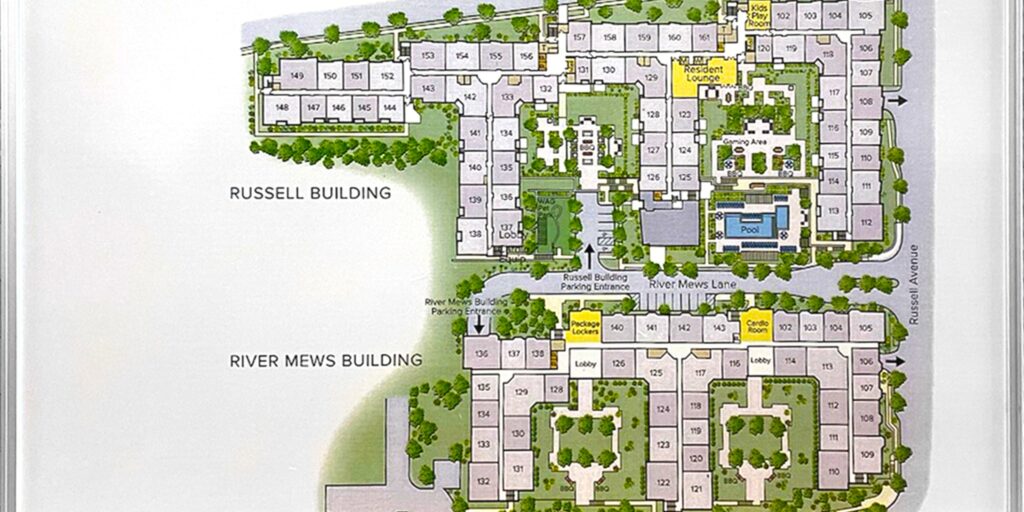
Construction projects generate a continuous stream of updates, so crews must stay informed about upcoming tasks. Using whiteboards to organize construction projects creates a visible reference point that keeps critical site information accessible to the right people at the right time.
Project managers often organize information by active phases and immediate priorities, and allocate space for crews to record changes. When structured effectively, the board then plays an integral role in daily project coordination.
Build a Short-Interval Planning Board
While the master construction schedule offers an overall roadmap, field teams require a more detailed view of imminent tasks. A whiteboard can translate the broader schedule into a short-interval plan suitable for daily coordination.
Rather than displaying months of activity, the board should emphasize the immediate work window. The superintendent indicates the required accomplishments for each area over the next several days so that foremen can compare these expectations with actual field conditions.
This format lets the team immediately spot missed production. For example, if the team schedules drywall installation for three rooms but completes it in only one, the discrepancy becomes readily apparent.
Map Trade Stacking Before Crews Enter the Area
Multiple trades frequently require access to the same space within a limited timeframe. Without proper coordination, crews may work around each other or experience delays while waiting for access. A whiteboard enables the superintendent to map the sequence of activities before conflicts arise. The board can be divided by zone to show which trade occupies each space during specific work periods.
For instance, crews must complete framing in one area before starting the electrical rough-in and then begin mechanical work once overhead access becomes available. This sequence helps supervisors determine when crews can enter and reduces reliance on assumptions.
Look for Trade Conflicts Early
Use coordination meetings to identify areas where two crews expect to occupy the same workspace. Resolving these conflicts early lets the team make necessary adjustments. The board provides a shared perspective and supports sequencing changes before labor deploys to the wrong locations.
Track Constraints Before They Stop Production
Missing or unapproved resources frequently stall construction activities. The team should allocate a dedicated section on the board for these constraints.
A practical constraint section can track:
- Affected work area
- Blocking condition
- Responsible party
- Required resolution date
- Current status
- Next field action
The board does not substitute for the formal Request for Information (RFI) log or procurement system. Instead, it highlights constraints that may impede current field work.
Use the Board During Foreman Huddles
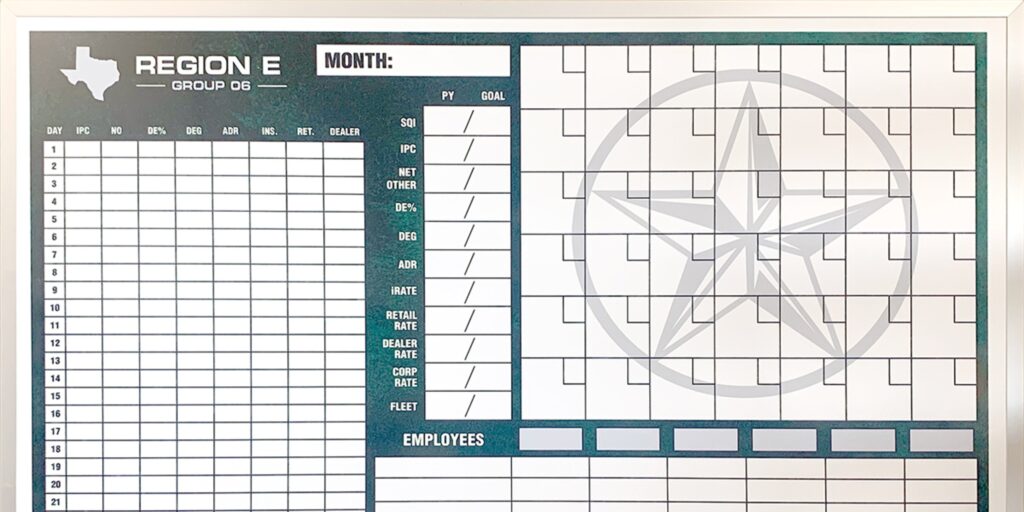
Effective construction whiteboards support a consistent meeting rhythm. A wall-mounted whiteboard serves as the focal point for daily foreman huddles, ensuring all participants view the same field plan during discussions.
The superintendent begins by outlining the day’s production goals and then reviews the project by area. Each foreman confirms the crew is ready for planned tasks. If changes have occurred, the team updates the board accordingly.
This approach lets the group focus on areas that need coordination, rather than reviewing separate reports.
Keep the Huddle Moving
The board streamlines discussions rather than extending meetings. Emphasize current work and issues affecting the next shift. Relevant personnel can address detailed problem-solving separately. This way, the board helps the larger group understand recent changes and upcoming tasks.
Plan Material Staging Around Active Work Zones
Material deliveries can disrupt a construction site even when they arrive as scheduled. Teams still need to know where materials will be placed and whether the staging area interferes with ongoing work.
Use a whiteboard to link scheduled deliveries with active construction zones. This enables the team to identify potential conflicts with equipment movement or other crews’ workspaces before materials arrive on site.
This approach is particularly beneficial when multiple deliveries are scheduled within the same period. The superintendent sequences material staging to prevent one load from obstructing access required for other activities.
Show Inspection Readiness by Area
Inspections frequently determine whether work can advance to the next phase. A board showing only the inspection date does not provide enough information about the space’s actual readiness.
Create a section that tracks inspection readiness by work area. The superintendent identifies which locations are ready and which still need corrections before review.
This format helps foremen identify areas that need crew attention. Rather than relegating inspection preparation to a separate digital checklist, the board maintains visibility of immediate readiness during field coordination.
Keep RFI and Change Impacts Visible
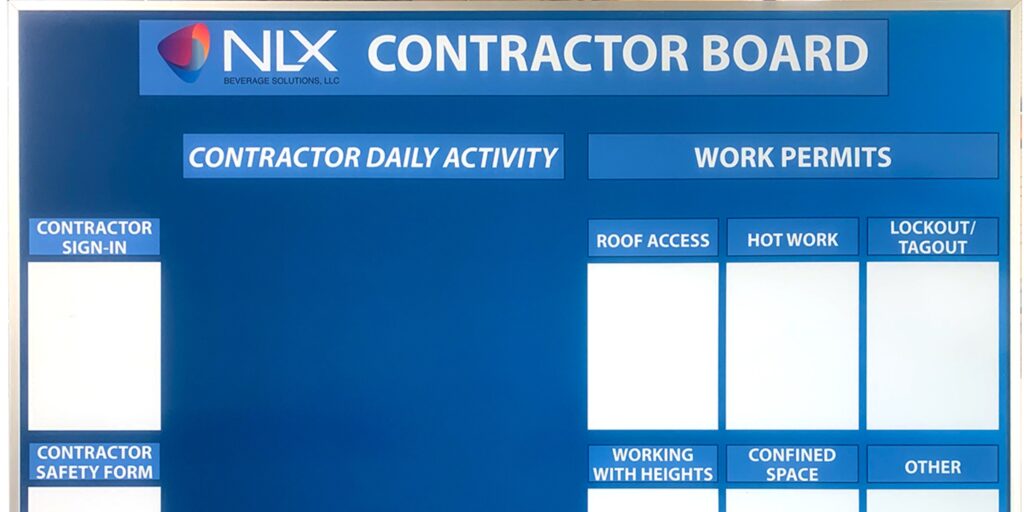
A Request for Information (RFI) can impact more than drawing details; it can also influence labor sequencing and the order in which crews progress through the building.
A construction whiteboard can display these field impacts without duplicating formal documentation. When an unresolved issue affects an active area, note the location and the work that cannot proceed.
After the project team receives direction, update the board to reflect the revised field plan. This gives supervisors a clear operational response.
Identify What Needs To Hold
When a change impacts only a specific section of an area, clearly indicate the boundary. Tell crews which activities can proceed and which must stop. This approach prevents a localized issue from disrupting the broader project.
Create a Recovery Plan When Production Slips
Construction projects seldom follow the original field plan exactly. Weather, labor shortages, material issues, and unforeseen conditions can delay activities.
A wall-mounted whiteboard gives teams a practical platform to develop a recovery plan while the impact is still manageable. Rather than merely indicating a late activity, the board displays the team’s strategy for regaining lost time.
This approach turns the board into a decision-making tool and lets the team compare original expectations with the revised plan.
Focus on the Next Achievable Target
Do not overload the board with every consequence of a delay. Instead, identify the next realistic production target. Update the plan when you reach this target. Short, incremental recovery steps are more manageable in the field than general instructions to “catch up.”
Turn the Project Office Wall Into a Control Point
Using whiteboards to organize construction projects strengthens the connection between the project office and field activities. Rather than serving solely as a reminder tool, use the whiteboard to manage short-interval production and coordinate trade access before potential conflicts arise.
With a custom-printed framework and consistent daily updates, the whiteboard translates schedule information into clear field decisions.
Ready to give your project office a clearer command center for daily coordination? Magiboards USA offers a wall-mounted dry-erase board that can help superintendents and foremen keep near-term work visible as the site changes. With a layout built around your project workflow, our whiteboard can support better huddles and stronger control over the next stage of work.