

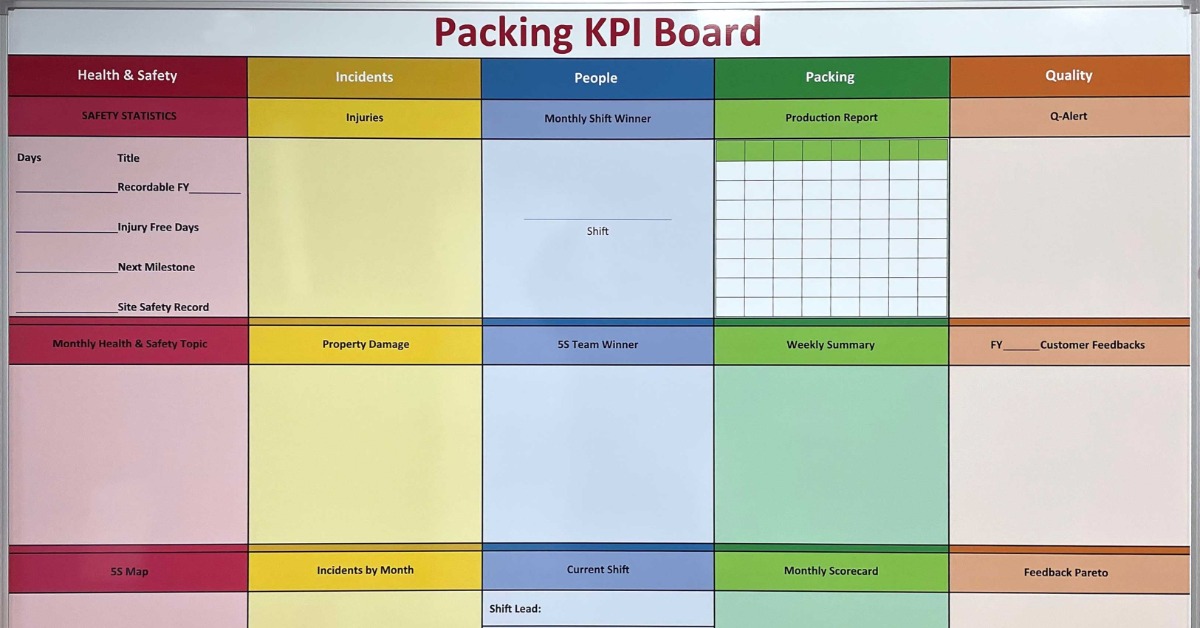
Departments often use different systems and routines to complete their work. However, those differences sometimes create communication gaps when a project requires several teams to contribute. Using whiteboards as tools for cross-department collaboration creates a shared visual space that helps employees understand current goals and responsibilities. As teams work across departments, a visible board provides a common reference point during discussions.
In that shared space, employees gather around one surface and focus on the same information without switching between multiple screens. As the conversation develops, teams revise the board and clarify unclear points.
Create a Shared View of the Work
Cross-department projects often become harder to manage when every team tracks progress differently. One department may use a spreadsheet, while another relies on email or a project management platform. A whiteboard brings the most important information into one visible location. Teams use it to see how their work connects to the greater effort.
A shared view also helps employees identify what requires attention. After reviewing the board during a meeting or huddle, team members gain a clearer understanding of current progress. This also creates an opportunity to address confusion before it affects the project.
Clarify Department Roles and Responsibilities
Teams lose time when employees do not know who owns a task. A whiteboard shows which department handles each part of the project. Clear ownership helps employees direct questions to the right people and reduces the chance that two teams will complete the same work.
The board displays responsibilities without becoming overly detailed. Each department needs enough information to understand its role and the expected outcome. As responsibility shifts from one group to another, teams also note the change. This helps employees prepare for upcoming handoffs.
Define Ownership Early
Project leaders assign ownership before work begins. The board includes a designated space for the responsible department or project lead. This creates accountability without relying on memory.
Improve Handoffs Between Teams
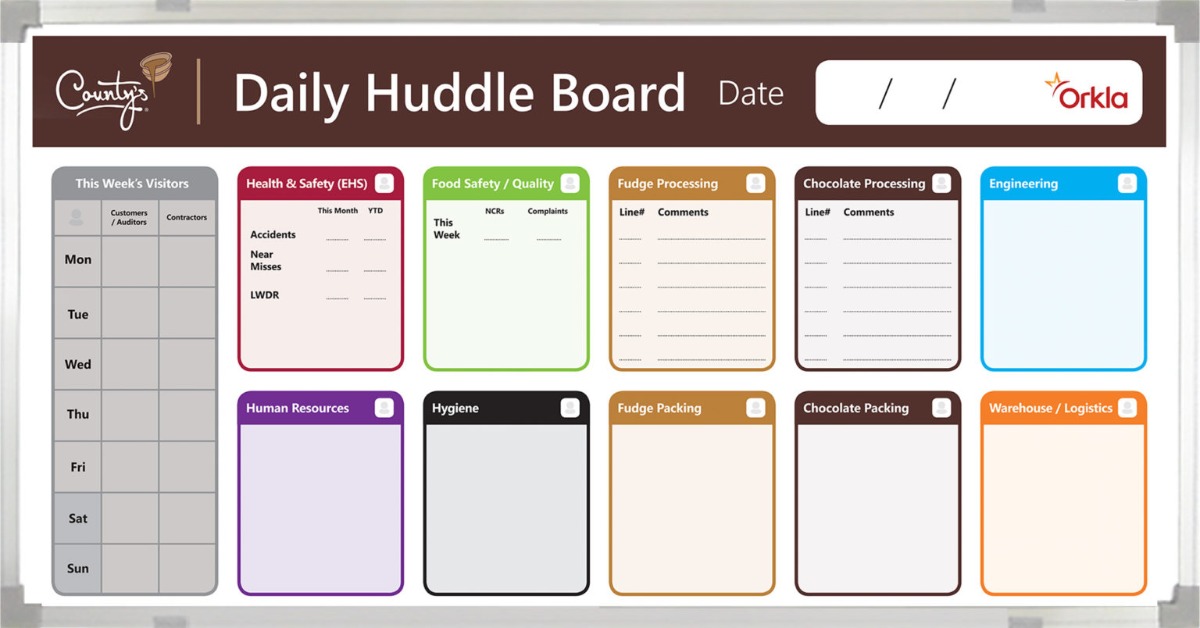
Many cross-department problems happen during handoffs. One team may complete its part of the work without giving the next department enough context. Another team may not realize that a task has reached the next stage. A whiteboard makes those transitions easier to see.
Teams use the board to show when a task is ready for review. They also note whether the receiving department needs additional information. In this way, the board creates a visible connection between one stage and the next. Employees address missing details before the handoff causes a delay.
Use Clear Status Language
Vague status labels create confusion. Teams choose terms that everyone understands and apply them consistently. A task marked “ready for review” should mean the same thing across every department. Clear language makes the board easier to scan.
Support More Productive Cross-Department Meetings
Meetings lose direction when each department arrives with separate notes. A whiteboard gives the group a shared agenda and keeps the discussion centered on visible information. Participants point to specific tasks instead of describing them from memory. This makes it easier to resolve questions during the meeting.
The board also helps the group capture decisions as they happen. When someone confirms a deadline or changes an assignment, the team updates the board immediately. As a result, everyone leaves the meeting with the same understanding and goal.
Make Project Dependencies Easier to See
One department’s work often depends on another team’s progress. Marketing may need product information before creating campaign materials. Operations may need final specifications before adjusting a workflow. A whiteboard shows those relationships without burying them inside a lengthy project plan.
Visual connections help teams recognize how one delay could affect another task. When employees understand the impact, they adjust their priorities. Project leaders also identify where teams need additional support. This makes the board useful for both coordination and problem-solving.
Highlight Blocking Issues
A blocked task should stand out from routine updates. Teams create a dedicated area for obstacles that require cross-department attention. This prevents an unresolved issue from disappearing among regular status notes. The group then decides who will remove the barrier.
Use Custom Printed Layouts for Consistency
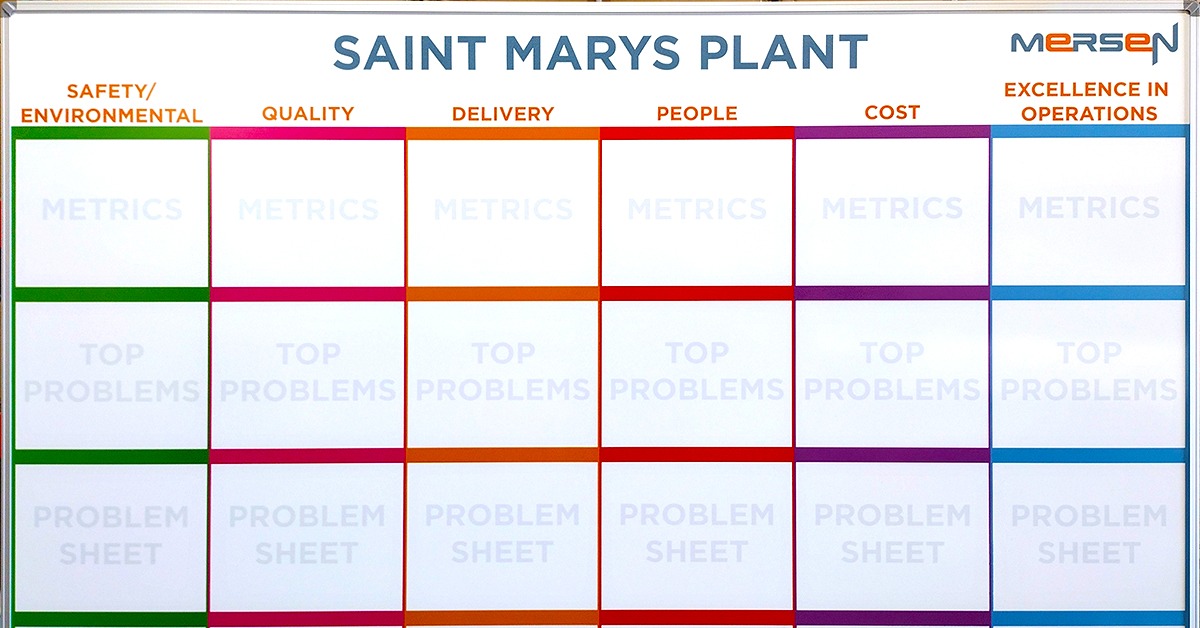
A blank whiteboard offers flexibility, but teams often redraw the same sections before every meeting. By contrast, a custom printed whiteboard gives departments a permanent framework for collaboration. The printed layout reflects the organization’s actual workflow. This saves setup time and keeps the board consistent.
Organizations can tailor the board to their process while keeping the layout simple. Common sections may include:
- Project objective
- Department owner
- Current status
- Next action
- Required handoff
- Blocking issue
- Review date
The final design should match the way departments already work together. When the board fits that process, teams are more likely to use it consistently.
Encourage Participation Across Departments
Collaboration works better when every department contributes to the discussion. A whiteboard creates an open surface where employees add observations and raise concerns. Team members see how their input affects the project. This helps the board function as a shared resource rather than a management display.
Leaders invite departments to update their own areas when appropriate. When employees update the board directly, accuracy improves because they know the status of their work. It also encourages teams to take responsibility for keeping information current. When only one person controls the board, updates may fall behind.
Place the Board Where Teams Can Use It
A collaboration board needs a practical location. Teams place it where the departments involved can review it during regular work. A board hidden in a rarely used room will not support frequent coordination. Visibility encourages employees to engage with the information.
The location should also fit the type of content displayed. If sensitive information is involved, teams should avoid placing it in public areas. A shared project room may work better for internal planning. When employees outside the project may see the board, organizations use general references.
Consider Viewing Distance
Employees should be able to read the board without crowding around it. The text size and section layout should match the room. Important headings need enough contrast to remain visible. A well-planned surface helps teams discuss topics more quickly.
Strengthen Cross-Department Work With a Shared Visual Tool
Using whiteboards as tools for cross-department collaboration helps organizations build a clearer connection between teams. A shared board gives employees one place to review progress and understand ownership. In turn, it also improves handoffs by showing where work needs to move next. When teams update the board together, they create a more transparent workflow.
Ready to give every department a clearer way to work together? Magiboards USA Inc. offers visual management boards designed around your collaboration process. With a custom layout for shared updates and visible ownership, our whiteboards can help teams coordinate handoffs and keep cross-department projects moving forward.